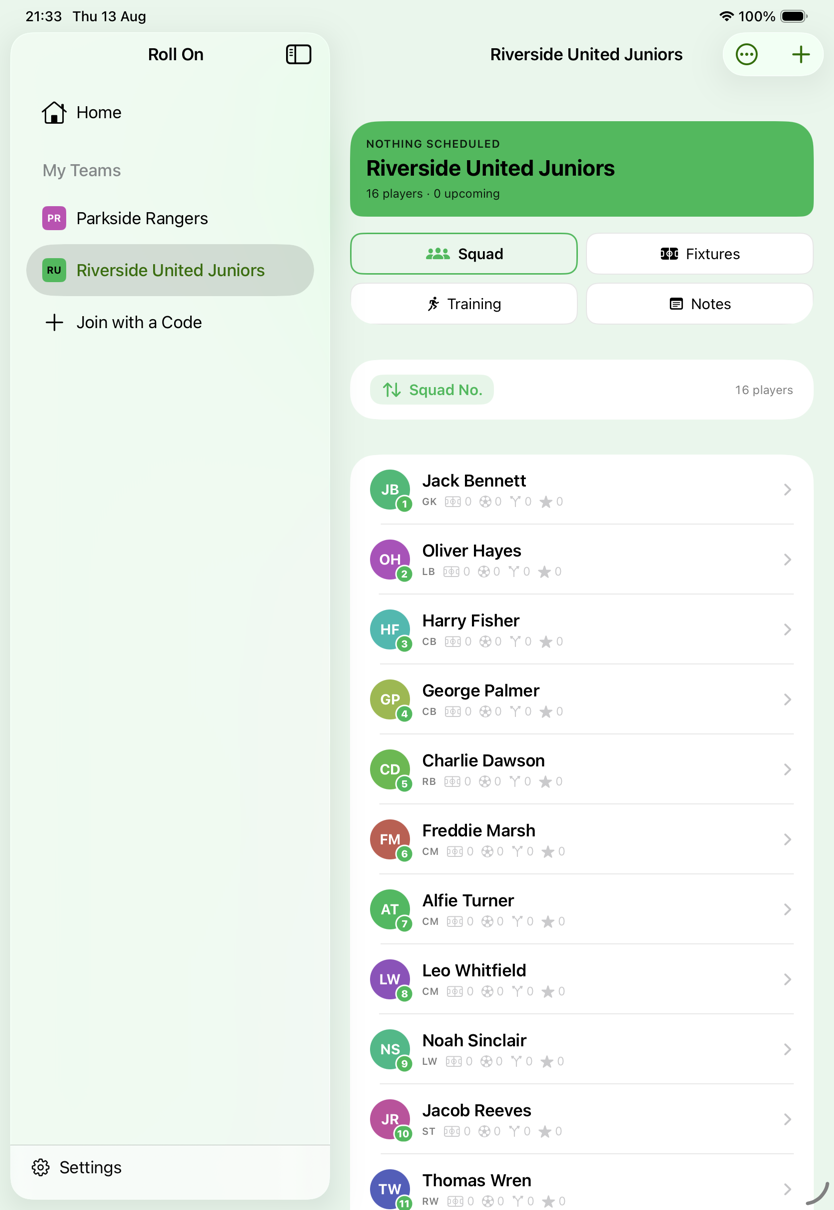
Planning · 01
Every change decided before the whistle.
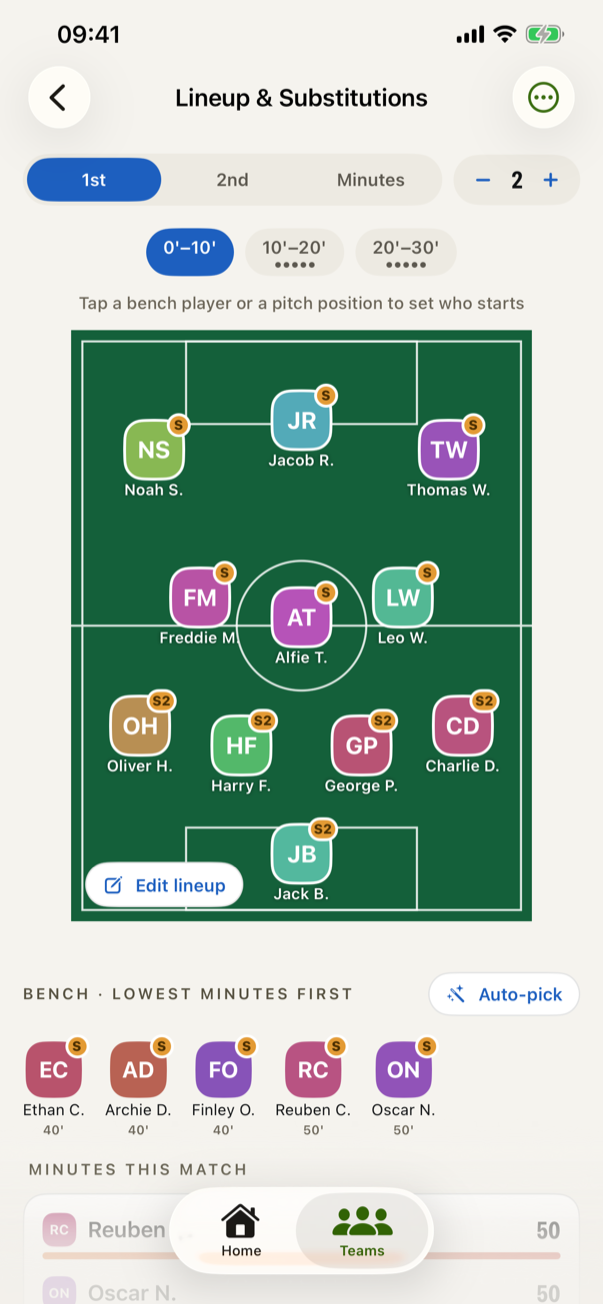
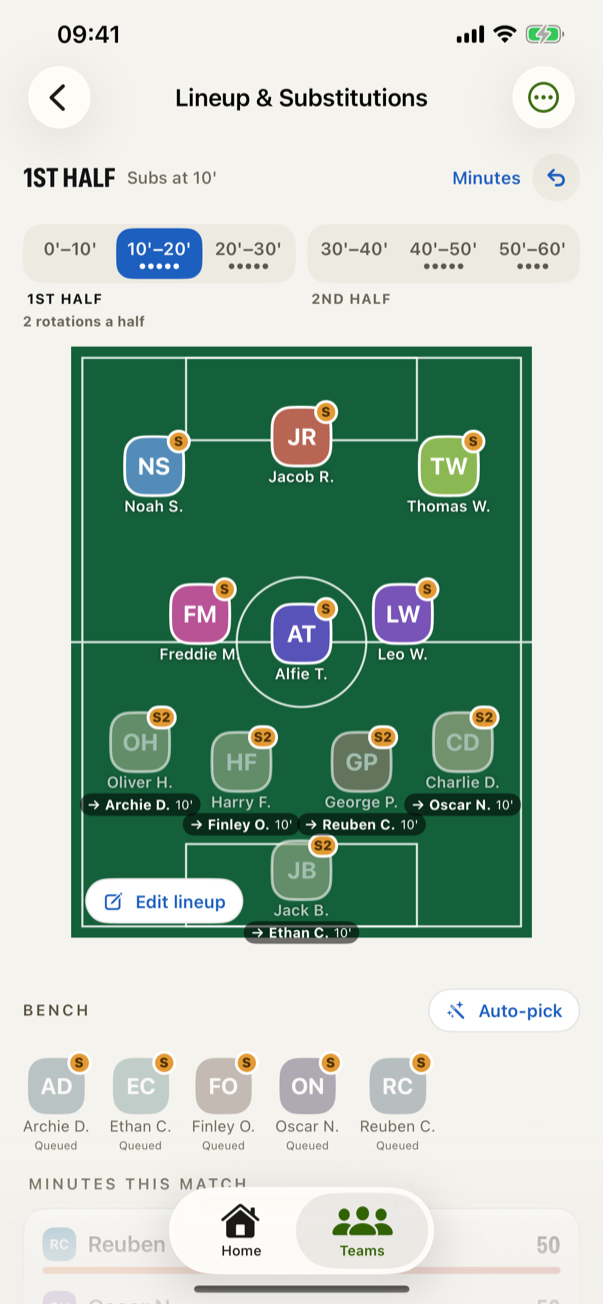
Set the shape and the starting eleven at the kitchen table. Roll On cuts the match into rotation windows and pencils in who comes off in each one — one strip across the whole match, each half named beneath it.
- Every shirt says when it comes off. The player going off is greyed, with the substitute's lozenge beside them.
- Open a window and it shows its working — who goes off, who comes on, and the minute it happens.
- Change the half length and the plan follows. Every substitution keeps its own half instead of stranding itself at a minute the match no longer reaches.
Playing time · 02
Fair share as a number, not a feeling.
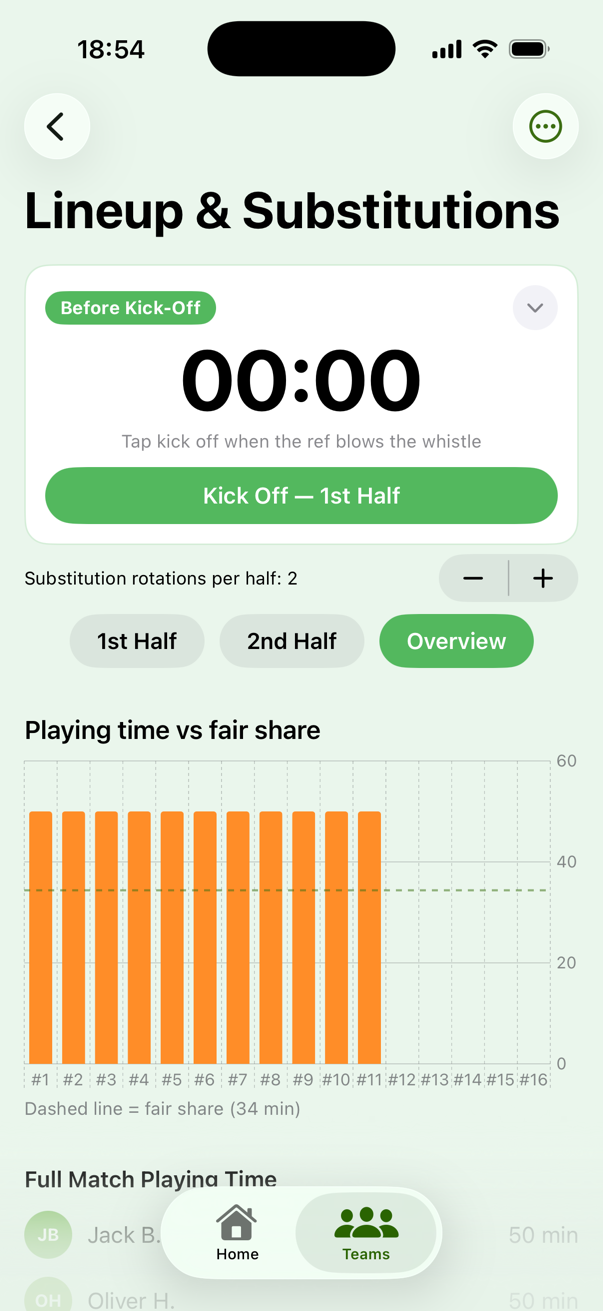
A dashed line across the chart is what every child is owed today. The bars under it are the ones to get on next — which is the whole conversation you are trying not to have in the car park.
- Minutes, goals and assists add up all season, so the register answers who has played more and who has played less.
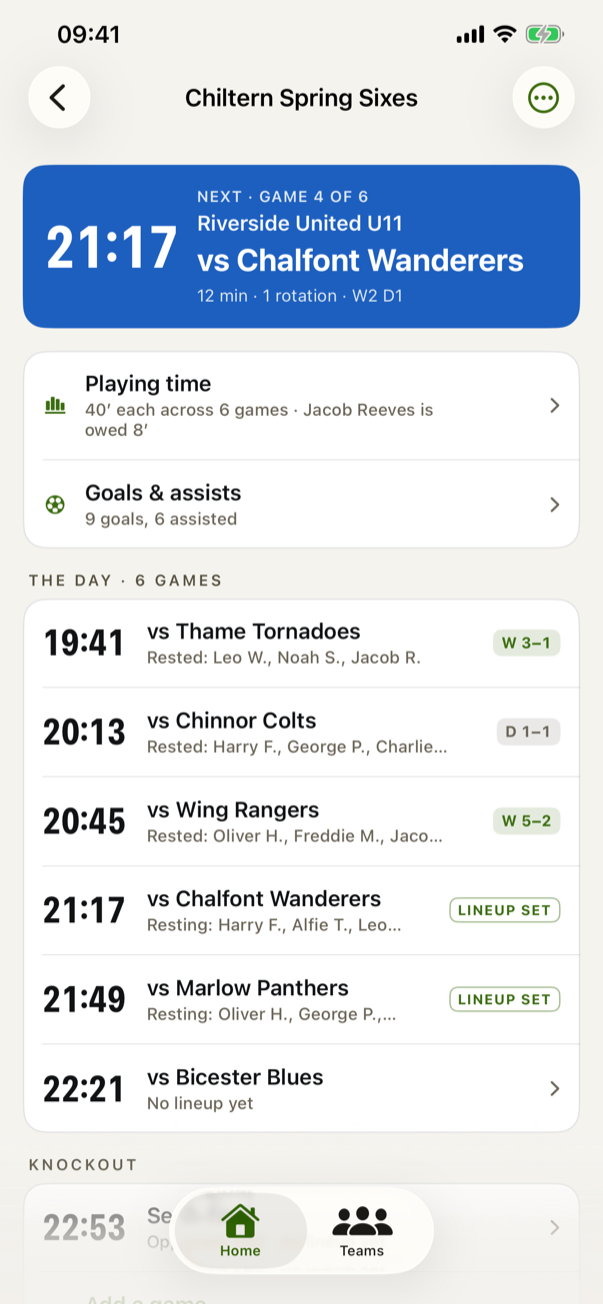
- A tournament shares the whole morning, not each twelve-minute game on its own — so nobody sits out two running.
- A match and a development game count as one Sunday, so whoever the first game left short goes on first in the second.